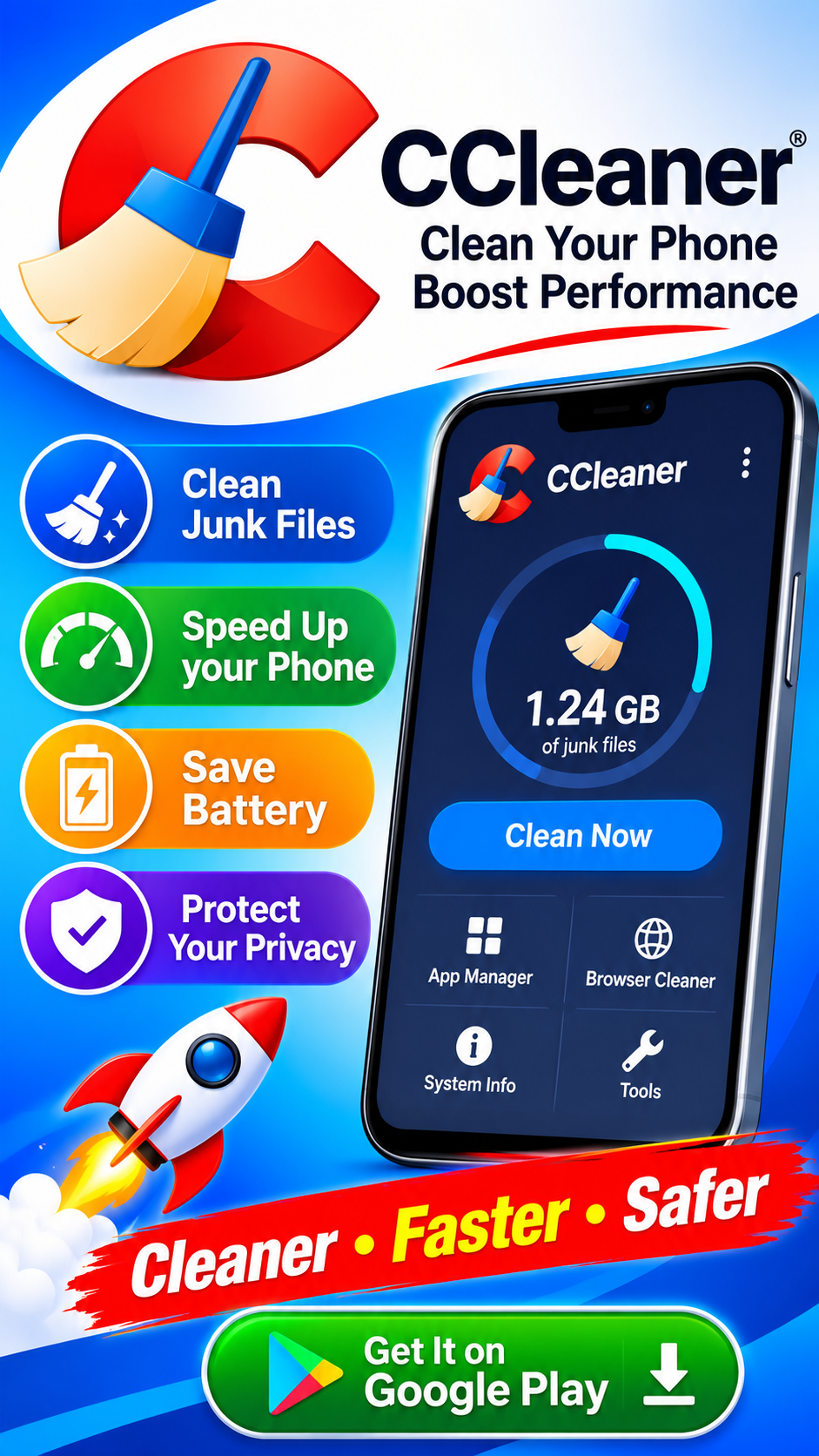
CCleaner has been a familiar name on desktop computers for years, and its Android version brings the same basic promise to phones: clear out junk, free up space, and give you a clearer picture of what's happening under the hood. The Google Play listing describes it as the "ultimate cleaning app" that puts you in control of your device. That's the pitch, anyway. The reality is a bit more nuanced—useful in the right hands, but not without risks worth understanding before you tap "clean."
What CCleaner for Android Actually Does
At its core, the app focuses on three areas. First, storage cleanup: it uninstalls unwanted apps, clears out leftover and obsolete files, and frees up device space. Second, app impact analysis: it shows which apps are eating your data and battery, and helps you spot ones you've stopped using. Third, system monitoring: you get visibility into CPU usage, RAM, internal storage, battery level, and temperature. A newer "App Stats" feature pulls these signals together so you can quickly judge an app's overall footprint. The interface is simple and easy to navigate, which is genuinely one of its strengths.
The Selling Points Are Real—But Modest
If your phone is cluttered with apps you forgot you installed, CCleaner's app manager is a convenient way to find and remove them. If you're curious why your battery drains so fast, the monitoring tools can point you toward the culprits. These are legitimate conveniences, especially for less technical users who don't want to dig through Android's settings menus.
That said, it's worth being honest about scope: much of what CCleaner does on Android overlaps with features Android already offers natively. Modern versions of the OS include storage management, battery usage breakdowns, and app uninstall tools. CCleaner packages these into one place and adds a cleaning function on top—handy, but not magic.
The Photo Deletion Problem Is Serious
Perhaps the most important thing to flag is a recurring complaint in user reviews: deleted photos that can't be recovered. One reviewer described losing over 400 photos and 20 videos—including irreplaceable pictures of a deceased pet and a grandparent—after using the app without cloud backup. The developer's response confirmed a hard truth: CCleaner has no recycle bin. Once files are removed from the device, recovery depends entirely on cloud backups or your phone's gallery trash.
Before running any cleanup:
- Back up your photos and videos to cloud storage or a computer.
- Check what the cleaner will remove before confirming, if the app offers a preview.
- Know that "junk" can include things you care about—cache and leftover files aren't always meaningless.
This isn't unique to CCleaner; any cleaning app carries this risk. But the absence of an in-app recovery option makes caution essential.
Ads, Subscriptions, and a Payment Bug
The free version shows third-party ads—the developer says so plainly, and a subscription removes them. That's a standard model. Less standard is a bug reported by Chinese-language users: tapping the upgrade button did nothing because the localized server returned malformed data. The workaround—switching the system language to English, purchasing, then switching back—worked, and the developer acknowledged the issue in a 2026 response. If you're on a non-English locale and the purchase flow stalls, that's likely why.
There's also a broader expectation gap. One recent reviewer complained bluntly that paying customers should get priority treatment. Whether or not you agree, it's a reminder to check what the free tier includes before subscribing.
Privacy and Permissions: Read the Fine Print
The Play Store's data safety section is worth a slow read. The listing states the app may share location data, app activity, and two other categories with third parties, and may collect location, personal information, and three other categories. Data is encrypted in transit, and you can request deletion from the developer. The app also uses Accessibility permissions—ostensibly so users with disabilities can close background apps with a single tap. Accessibility access is powerful, so it's fair to ask whether a cleaner needs it for your use case.
None of this is automatically disqualifying, but it's more data collection than many users assume from a utility app. If privacy is a priority, weigh that against the convenience.
Who Should Use It—and Who Should Skip It
CCleaner for Android makes the most sense for:
- Casual users who want one simple dashboard for storage, battery, and app management.
- People with cluttered phones who'd benefit from an app-uninstall sweep.
- Users who back up regularly and can clean without fear of losing anything important.
It's less suited to:
- Anyone who keeps precious photos only on their phone—the no-recycle-bin risk is real.
- Privacy-sensitive users uncomfortable with the listed data collection and sharing.
- Tinkerers who'd rather use Android's built-in tools and skip the ads entirely.
The Bottom Line
CCleaner for Android is a polished, easy-to-use utility that does what it advertises—cleaning, monitoring, and app management—within reasonable limits. It's not a miracle worker, and it carries two caveats that deserve emphasis: no recovery for mistakenly deleted files, and a data profile broader than you might expect. Use it with backups in place, read the permission and privacy details, and treat the "clean" button with the same care you'd treat any tool that permanently removes files. Do that, and it can earn a spot on your phone. Skip the precautions, and you might end up in the reviews section warning others—with photos you'll never get back.