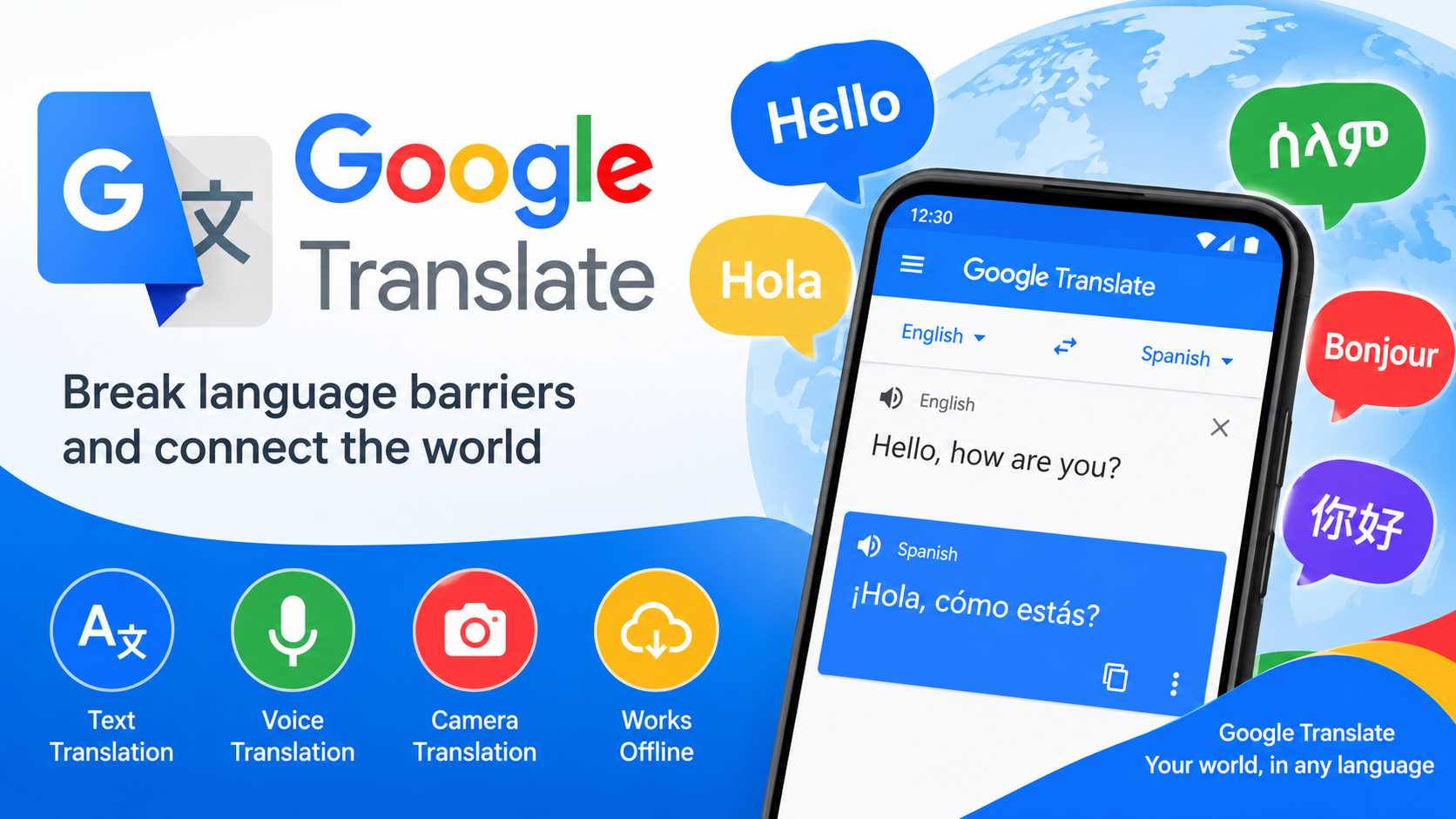
If you've ever stood in front of a menu in a language you don't read, or tried to decipher a sign in a country where you don't speak a word, you already know why Google Translate has become one of the most downloaded apps on Android. It's the kind of tool that quietly earns a permanent spot on your home screen. But beyond the obvious "type and translate" function, the app packs a surprising number of features—some genuinely excellent, some still a work in progress. Here's a detailed breakdown of what you get, what works well, and what to keep in mind before you rely on it during your next trip abroad.
A Translator That Covers an Astonishing Range of Languages
The headline number is 108: that's how many languages the app supports for text translation. That range is genuinely remarkable. It's not just the major world languages either—alongside Spanish, French, Japanese, and Arabic, you'll find Amharic, Aymara, Bambara, Guarani, Tigrinya, and even Esperanto and Latin. For linguists, heritage speakers, or anyone working with less commonly taught languages, this breadth is a real differentiator. The app's stated mission—"supporting over 100 languages, so the world has no language barriers"—isn't just marketing fluff; the language list backs it up. Whether you're translating a document from Nepali or trying to understand a social media post in Sundanese, chances are the app has you covered.
Camera Translation Is the Feature That Changes How You Travel
If there's one feature that consistently impresses first-time users, it's instant camera translation. Point your phone's camera at a sign, menu, or document, and the app overlays translated text in near real time—no photo-taking required. This works across 94 languages for the instant mode, with a separate photo translation mode supporting 90 languages for higher-quality results from images you shoot or import. In practice, this is the feature that turns your phone into a travel companion. A review from a user traveling in Thailand noted that the app made communication essentially frictionless, even providing phonetic readings they hadn't expected. That said, results vary by lighting and font clarity, so treat camera translation as a helpful guide rather than a certified translation service.
Offline Mode Is a Lifesaver—With Some Caveats
Downloadable offline language packs cover 59 languages, letting you translate without an internet connection. This is invaluable when you're abroad without a data plan, on a flight, or in an area with spotty coverage. The trade-off is that offline translations are generally less nuanced than their online counterparts, since the app can't leverage cloud-based models. One reviewer specifically asked Google to keep improving offline pack quality—a fair request, and a reminder to download packs before you travel, not after. A practical tip: download your destination's language pack over Wi-Fi before departure, and test a few phrases offline so you know what to expect.
Conversation, Handwriting, and Transcription Round Out the Toolkit
Beyond the marquee features, the app offers several modes that deserve attention:
- Conversation mode (70 languages) translates two-way dialogue in real time—ideal for face-to-face interactions like checking into a hotel or asking for directions.
- Handwriting input (96 languages) lets you draw characters directly on the screen, which is especially useful for languages with non-Latin scripts where typing is cumbersome.
- Tap to Translate lets you copy text in any app and translate it via a pop-up—no need to switch apps.
- Transcription (8 languages) continuously translates spoken audio in near real time, which is handy for lectures, meetings, or understanding announcements.
Each mode has its own strengths, and together they cover most real-world translation scenarios you're likely to encounter.
Favorites and Cross-Device Sync Make It a Long-Term Tool
The app isn't just for one-off translations. You can star translations to save them in a favorites list (no language limit), and if you sign in, those favorites sync between the app and your desktop browser. For students, frequent travelers, or anyone building a personal phrasebook, this turns the app into a lightweight reference library. It's a small feature, but it's the kind of thing that makes the app stick around on your device long after the novelty of camera translation wears off.
The Honest Downsides: Clunky Layouts and Privacy Trade-Offs
No app is perfect, and user reviews surface legitimate frustrations. One reviewer complained that in landscape mode, the floating translation window leaves so little space that only two lines of phonetic text are visible—neither the original nor the translation is readable. That's a real usability gap worth knowing about if you rely on split-screen or horizontal layouts. On the privacy side, the app's data safety disclosure states it may collect location data, personal information, and five other categories of data, though it says data isn't shared with third parties, is encrypted in transit, and can be deleted upon request. It also requests permissions for microphone, camera, storage, and account access—all tied to specific features, but worth reviewing in your Android settings if you're privacy-conscious.
The Verdict: Essential, Imperfect, and Worth Installing
Google Translate for Android is one of those rare free apps that genuinely earns its place. With 108 languages for text, 94 for instant camera translation, 59 offline packs, and 8.55 million reviews behind it, it's a mature, widely tested tool that handles the vast majority of everyday translation needs. It won't replace a professional translator for legal or medical documents, and the interface has rough edges—particularly in landscape mode—but as a travel companion, study aid, and communication bridge, it's hard to beat. Download the offline packs you need, keep the camera mode handy, and you'll find that language barriers become a lot less intimidating.