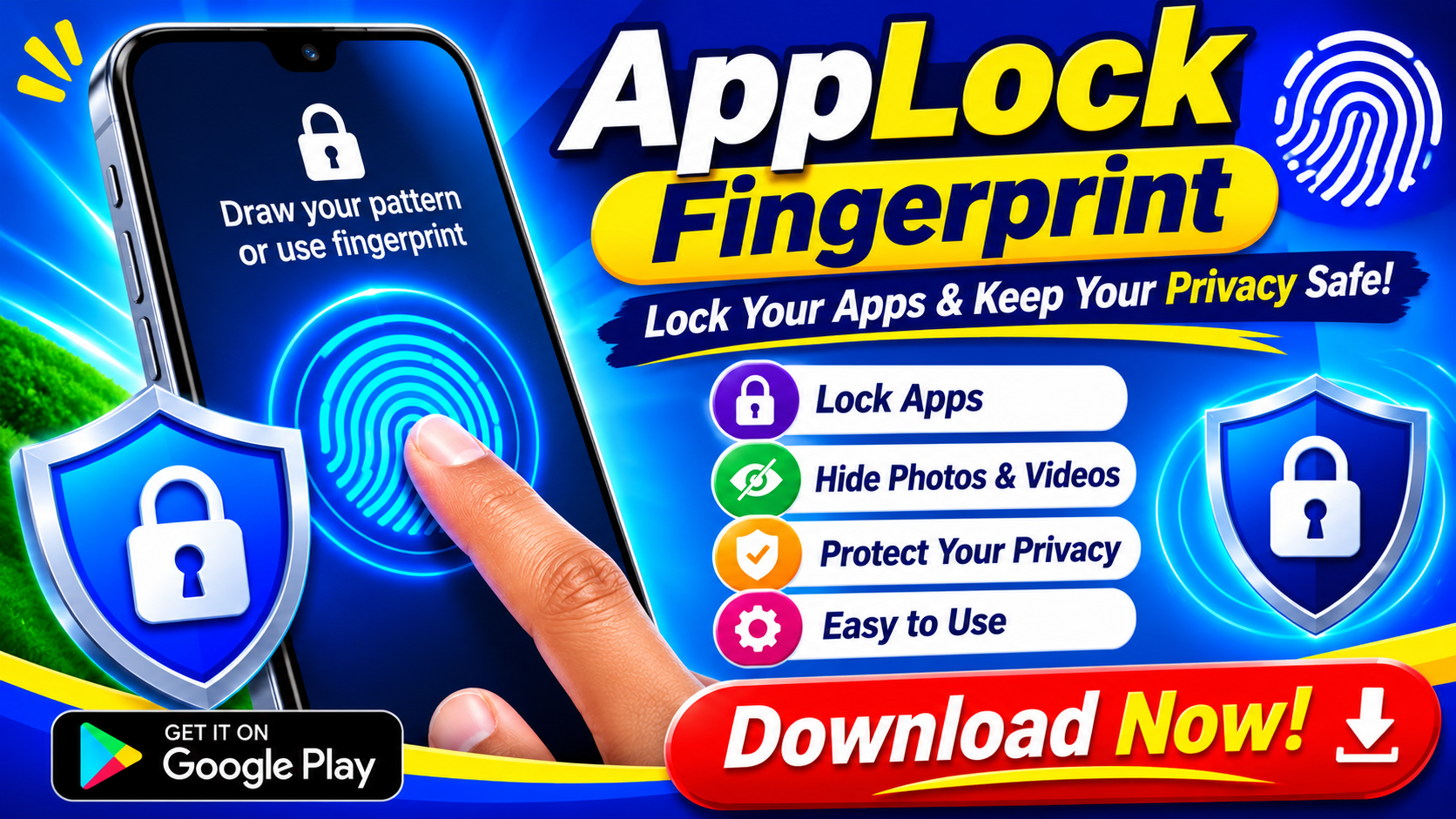
We've all been there. A friend needs to make a quick call, a colleague wants to check a map, or your kid grabs your phone to play a game. In those moments, you hand over your device—and with it, a window into your entire digital life. Chat threads, banking apps, photo galleries, and private notes all sit behind a single swipe. That's exactly the problem AHLock: Fingerprint App Lock sets out to solve, and it does so with a refreshingly straightforward approach.
What Is AHLock Fingerprint App Lock?
Available on the Google Play Store, AHLock is a privacy tool designed to lock individual apps on your Android device behind a fingerprint scan, PIN code, or pattern. Rather than locking your entire phone—which can be inconvenient when someone legitimately needs access—it lets you protect only what matters. The premise is simple: open the app, select the applications you want to shield, choose your unlock method, and you're done. The developers at Alvva Inc. have clearly focused on keeping the setup process frictionless, which matters for a category of app that many users abandon when things get too complicated.
The Features That Actually Matter
Strip away the marketing language and what you get is a focused toolkit. Here's what stands out:
- Multi-method unlocking — Use a fingerprint, PIN, or pattern, depending on what feels most natural in the moment.
- Selective app locking — Protect messaging apps, galleries, financial tools, notes, or settings individually rather than locking everything at once.
- Quick unlock flow — Fingerprint access means you're not typing a password every time you open a protected app.
- Easy management — Add or remove locked apps at any time as your needs change.
- Low learning curve — The interface is designed so even first-time users can configure it in minutes.
For anyone who has wrestled with overly complex security suites, this "just the essentials" philosophy is a genuine relief.
Real-World Scenarios Where It Shines
The value of an app lock becomes obvious in everyday situations. When a coworker borrows your phone to look something up, you don't want them stumbling into your private chats. When your children use your device for entertainment, you'd rather they didn't open your banking app by accident. And when you're simply working near others, a little extra privacy goes a long way. AHLock positions itself precisely for these moments—short-term sharing without long-term exposure. It's not about mistrust; it's about sensible boundaries in a world where our phones hold almost everything.
A Note on Permissions and Data
Transparency matters when you're trusting an app with your privacy, so it's worth addressing the permission question directly. According to the app's listing, AHLock requests access to files in order to lock your chosen applications, and the developer explicitly states that this access is not used to collect personal data. The Play Store's data safety section notes that the app may share device identifiers with third parties but otherwise declares no data collection, and that data is encrypted in transit. Users should always read these disclosures carefully and weigh them against their own comfort level—but the developer's stated commitment to not harvesting personal information is a reassuring starting point.
What the Reviews Tell Us
With over 117,000 ratings on the Play Store, AHLock has clearly found an audience. The feedback is mixed but informative. Some users report satisfaction with the core locking functionality—one reviewer noted simply that it "can lock apps" with a smiley face, while another mentioned they were testing the anti-theft features and would report back. On the other side, there are complaints, including one user who found it difficult to remove or uninstall. As with any app, individual experiences vary, and it's wise to test the app's behavior on your own device during the early days of use before relying on it heavily.
The Verdict: Simple, Practical, and Worth Trying
AHLock: Fingerprint App Lock isn't trying to be an all-in-one security fortress. It's a niche tool that does one job—keeping specific apps away from prying eyes—and it does that job with minimal fuss. For users who share their phones regularly, work in close quarters with others, or simply want a second layer of privacy without overhauling their digital habits, it's a practical addition to your app drawer. The combination of fingerprint speed, flexible locking options, and a beginner-friendly setup makes it a solid choice in a crowded category. Just go in with realistic expectations, review the permissions, and test it thoroughly—your apps, after all, are your business.