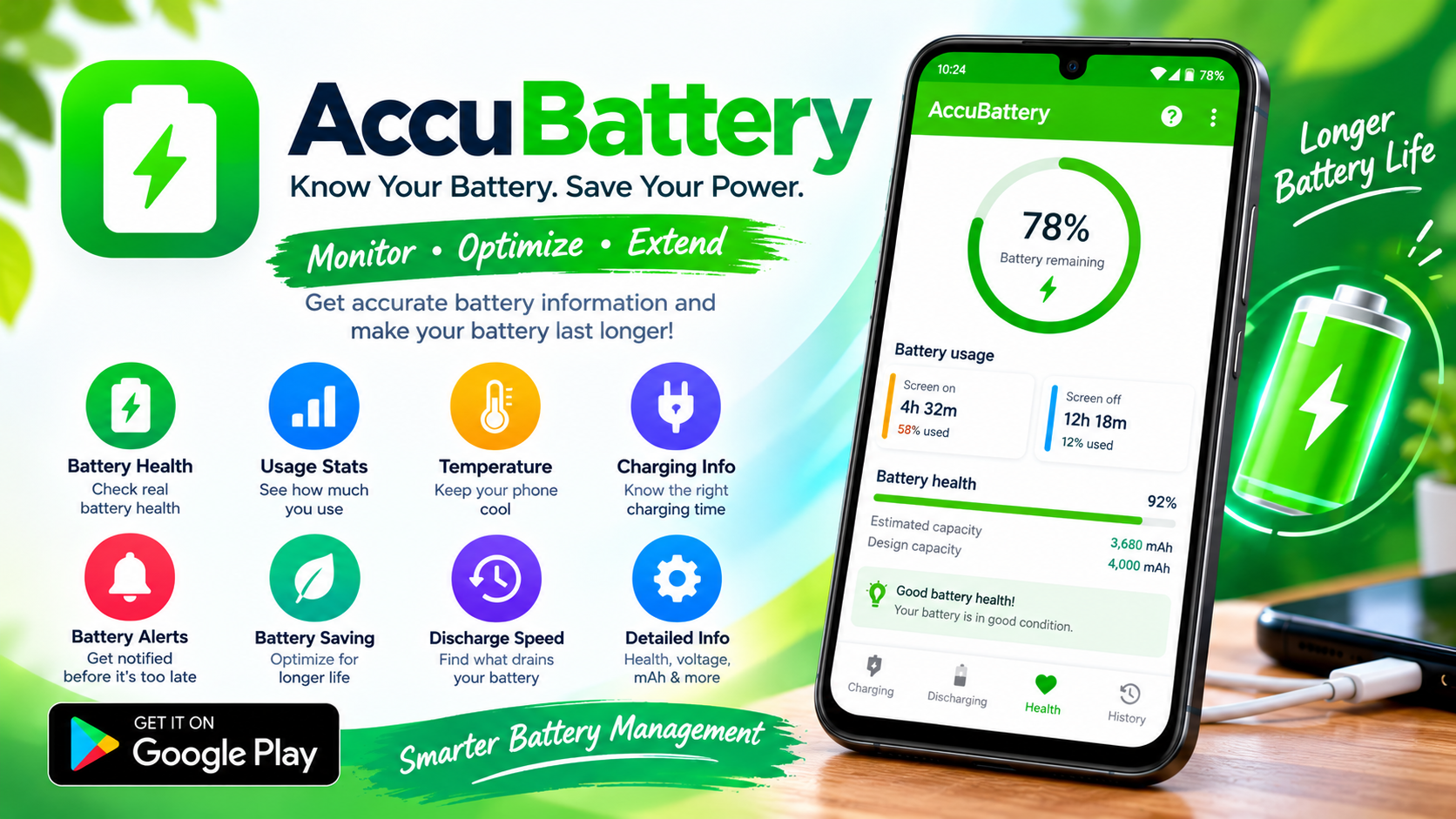
If you've ever watched your phone plummet from 30% to dead in what feels like seconds, or noticed that your two-year-old device barely makes it through the afternoon anymore, you've probably suspected something: your battery isn't what it used to be. The problem is, Android doesn't make it easy to find out the truth. Most phones offer no built-in battery health screen, no clear capacity reading, and no way to know whether that "fast charger" is actually delivering the speeds it promises. That's where AccuBattery comes in. Developed by Digibites Technology B.V., a small independent studio based in Rotterdam, this app has quietly become the go-to diagnostic tool for Android users who want real answers about their battery's condition. With over 580,000 reviews and an average rating hovering around 4.7 stars, it's clearly struck a nerve.
The Core Problem: Android's Battery Stats Are Fundamentally Broken
Before we dive into what AccuBattery does, it's worth understanding why a third-party app is necessary in the first place. Android's battery percentage is not a precise measurement—it's an estimate, and often a rough one. High-end phones use a technique called coulomb counting, which tracks the actual charge flowing in and out of the battery. Cheaper or older devices simply guess based on voltage drops, which is far less accurate and gets worse as the battery ages. Even on flagship phones, the software compresses hundreds of raw data points into a single, smoothed percentage that can drift significantly from reality. More importantly, Android keeps estimating your battery's state using its original design capacity, even after years of degradation have reduced the actual capacity. Your phone might think it has a 5,000 mAh battery when it's really holding 3,800 mAh, leading to wildly inaccurate usage estimates. AccuBattery bypasses these assumptions by measuring what actually goes into the battery during charging sessions.
How AccuBattery Actually Measures Your Battery Health
AccuBattery's approach is deceptively simple, yet grounded in real methodology. During a charging session, the app reads data from your phone's battery charge controller—the hardware that regulates power flow—and records how many milliampere-hours (mAh) are added to the battery. It combines this with the percentage change reported by Android. The basic formula is: total charge added (mAh) divided by the percentage change, multiplied by 100. If you charge from 20% to 90% and the app records 2,800 mAh added, it estimates your full capacity at roughly 4,000 mAh. Of course, this isn't perfect. The accuracy depends heavily on your phone's charge controller exposing reliable data, and some manufacturers limit third-party access to this information. That's why AccuBattery requires multiple charging sessions—typically at least a few days of normal use, and sometimes up to twenty valid cycles—before it presents a stable health reading. The app also recommends occasional full charges from below 15% to keep your phone's battery gauge calibrated, since partial charges can introduce errors over time.
The Health Tab: Your Battery's Report Card
The Health tab is where AccuBattery's real value becomes apparent. It shows you a percentage representing your battery's current capacity relative to its design capacity, along with two key numbers: the estimated actual capacity and the original design capacity. If you've ever wondered whether it's worth replacing your phone's battery or just buying a new phone, this is the data you need. The app also displays battery wear over time, tracking how much capacity you lose with each charging session. The science behind this is well-documented: research has shown that every 0.10V increase in charging voltage cuts battery lifespan roughly in half, which is why AccuBattery recommends stopping your charge at around 80%. The app's charge alarm can remind you to unplug at the right moment, helping you avoid the constant-voltage "top-off" phase where most damage occurs. Users who follow this practice often find their batteries lasting significantly longer than they otherwise would.
Beyond Health: Charging Speed, Per-App Usage, and Deep Sleep Tracking
AccuBattery isn't just a one-trick pony. The Charging tab helps you identify the fastest charger and cable combination for your device by measuring actual charging current in milliamps. This is genuinely useful if you're trying to figure out whether that bargain-bin USB cable is throttling your charge speeds. The Discharging tab breaks down battery usage per app, showing you which applications are draining your battery the most—data that Android's built-in battery screen often obscures with its manufacturer-supplied power profiles. Perhaps most interestingly, the app tracks how often your device wakes from deep sleep, revealing whether background processes are preventing your phone from entering the low-power states that extend standby time. You can also see estimated remaining usage time for both screen-on and screen-off scenarios, giving you a realistic sense of how long you can push your phone before it dies.
The Caveats: Where AccuBattery Struggles
AccuBattery is not without its limitations, and honest users should be aware of them. The app depends on your phone's battery controller providing accurate data—some devices, particularly certain Xiaomi and Redmi models, have been reported to produce unreliable readings or fail to register full charge cycles entirely. Huawei and Honor phones running newer HarmonyOS versions often restrict third-party access to the underlying charge controller, forcing AccuBattery to rely on less accurate voltage-based estimates. Dual-cell battery designs—common in phones from vivo and other manufacturers—require manual adjustment, as AccuBattery may only measure the primary cell. The app also takes time to produce reliable numbers; users expecting instant results will be disappointed. And while the health percentage is useful, it should be treated as a well-informed estimate rather than a laboratory-grade measurement. For critical decisions like buying a used phone, combining AccuBattery with engineering menu codes (like *#*#6485#*#* on Xiaomi devices) can provide cross-validation.
Should You Install It? The Verdict
If you care about your phone's battery life—and who doesn't?—AccuBattery is one of the few Android apps that delivers genuinely useful, scientifically grounded information without invasive permissions or privacy compromises. It's particularly valuable if you're trying to extend your current phone's lifespan, diagnose unexpected battery drain, or evaluate whether a used device is worth buying. The free version covers the essentials; the Pro version removes ads and adds dark themes, historical session access, and detailed notification stats for users who want more. Digibites' philosophy shines through in the app's design: no fake data, no unnecessary privacy intrusions, just honest battery science. It won't magically improve your battery life, but it will give you the knowledge to make better decisions about charging habits and hardware. And in a world where phone manufacturers increasingly treat battery health as a black box, that transparency is worth a lot.